


Last week we looked at why ad-hoc prompting fails and how structured prompts deliver more consistent results. If you missed it, the short version is this: templates beat improvisation. When you define the role, context, goal, format, and constraints before the AI starts working, you stop guessing and start getting reliable output.
However, even with perfect prompts, you don’t have full control.
You craft a structured prompt, press send, and hand over control. The AI decides the sequence. The AI decides what to prioritise. If something goes wrong halfway through, you don’t know where or why. You simply get a subpar result and have to start again.
Structured prompting solves the input problem. It doesn’t solve the control problem.
This week, we are looking at what does: workflows.
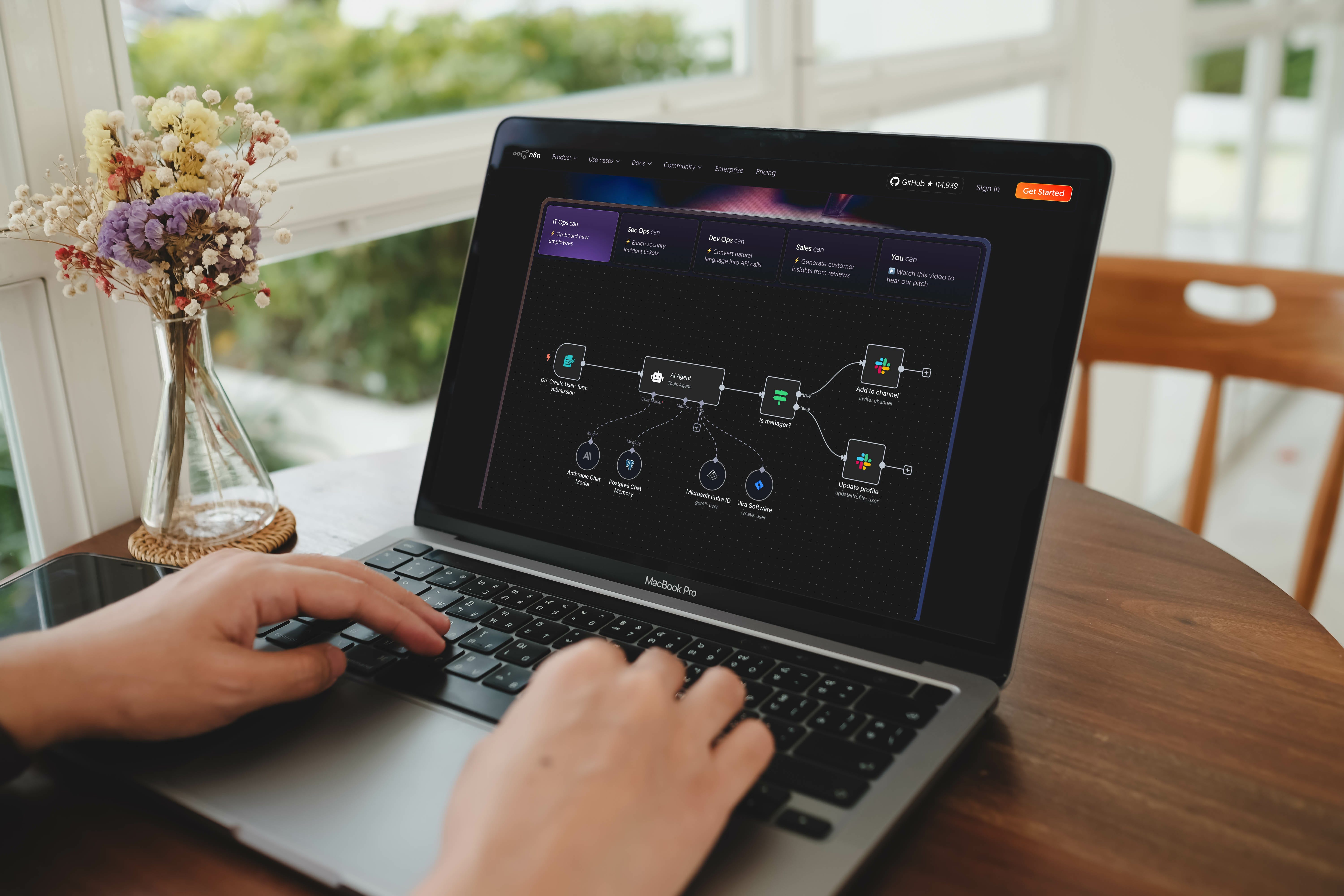
The Limitation of Prompt-First Thinking
When you run a complex task through a single prompt, the AI handles everything in one pass. Research, analysis, synthesis, formatting. You cannot see the intermediate steps. You cannot intervene if the research is thin but the synthesis is fine. You cannot swap out one component without re-running the whole thing.
If the output is wrong, your only option is to tweak the prompt and try again. You are essentially debugging a black box.
This matters less for simple tasks. Drafting an email, summarising a document, or brainstorming ideas are fine with single-pass prompting. But for anything with multiple stages, dependencies, or real-world consequences, you need more than a good prompt.
You need a process you can see, test, and improve piece by piece.
What Workflows Actually Give You
A workflow breaks a task into discrete steps. Each step has a defined input, a defined output, and a clear job to do. The AI might handle one step, or several, but it does not control the overall sequence. You do.
This delivers four advantages that prompting alone cannot match:
Control over sequence. You define what happens first, second, third. The AI handles specific nodes (like summarising text or extracting data) but the orchestration is yours. If step three should only run after a human reviews step two, you build that in.
Visibility and debugging. When something fails, you know which step failed. You can inspect the input and output at each stage. Instead of re-running an entire prompt and hoping for a different result, you fix the specific component that broke.
Human-in-the-loop by design. Not everything should be automated. Workflows let you decide where humans review, approve, or intervene. The AI does the heavy lifting while a person signs off before anything goes out the door.
Incremental improvement. Want to upgrade the model for one step? Swap it. Want to add a new data source? Add a node. You improve the system over time without rebuilding from scratch.
What This Looks Like in Practice
At Lighthouse, we have moved a number of repeatable tasks into workflows. Two examples stand out.
Market Intelligence We used to pull signals from Google News, industry feeds, and several other sources. The information was useful, but someone still had to sift through it every morning to separate noise from signal. Now that process runs automatically. An AI-powered workflow pulls from the same sources, reviews and sorts the content, and delivers a daily brief each morning. Relevant, factual, and fully curated.
Company Profiling This involves researching a business before a call or meeting. We already had a process for this: check the website, pull Companies House data, scan recent news, and compile a summary. The workflow didn’t invent a new process; it codified the one we already had. Same result, same quality, just automated.
Between these two workflows alone, we have recovered roughly half a day per week of one person’s time. That is not theoretical. That is time we have measured and redeployed.
Choosing a Tool
We have tried several platforms, including Gumloop and CrewAI. To properly evaluate them, we built the exact same workflow in each tool to compare the results directly.
For our specific requirements, n8n consistently came out ahead in two critical areas.
First, the token cost. Even when using the exact same models across platforms, we found the cost to run the workflow was significantly higher on other tools. The efficiency of n8n made the unit economics far more viable.
Second, hallucination control. In one instance during our testing on a different platform, the AI generated a company profile that was false in every aspect. It even fabricated the source links. While this may have been a configuration issue on our end rather than a platform fault, the reality is that we have never encountered that level of instability with n8n.
Make (formerly Integromat) and Zapier are approachable if you are starting from scratch. But if you are serious about building AI workflows that run reliably in production, n8n is worth the learning curve.
A Practical Example: The Company Research Workflow
Let’s walk through a simple workflow you can build this week. The goal: enter a company’s website and receive a structured research briefing in your inbox within minutes.
Here is the structure:
Step 1: Input. The workflow starts with a manual trigger. You enter a company website URL through a simple form or directly in n8n. This is the only human input required.
Step 2: Website Research. A web scraping node fetches key pages (homepage, About page, leadership team). An LLM node then summarises what the company does, who leads it, and what they sell. You are not asking the AI to “research the company”; you are giving it specific text and asking for a structured summary.
Step 3: Companies House. A separate node calls the Companies House API to pull official data, such as the registered address, directors, and recent filings. This is factual, structured data with no AI interpretation needed.
Step 4: Web Search. A search node queries recent news and funding announcements. The raw results pass through an LLM node that filters for relevance and summarises key developments. You set the parameters (e.g., last 90 days, exclude job postings).
Step 5: Synthesis. We meger these parallel streams and let an LLM interpret and structure the data into a useful format.
Step 6: Email Summary. A final node compiles everything into a templated briefing and sends it to your inbox.
The entire workflow runs in a few seconds. What used to take 30 minutes of tab-switching now happens in the background.
For the full build, including node settings and prompts, watch the companion video which will be on our youtuber channel shortly.
A Note of Caution: The Maintenance Tax
It is important to be realistic. Automated workflows are not “set and forget.” If you deploy them, you must be prepared to monitor them.
Breakages typically occur at the endpoints. An API might change its structure, login credentials expire (e.g. google’s last 1 week). Firms are increasingly guarding their data, so web scrapers may stop working, or access to data might be explicitly turned off for bots.
When these break (and they will break), they need fixing. The knowledge of how the workflow operates must be shared across your team. If only one person understands the logic and that person is away, your automated process becomes a bottleneck. Treat this as software: it requires maintenance.
The Verdict: Is This Ready for Prime Time?
Yes. With a caveat.
For firms looking to start with AI, structured prompting and/or workflows such as N8N, Zapier, Gumloop and Crewai are great. Start small target a specific workflow and automate it, try different tools (free tiers) to see which one works best for you.
Workflows are production-ready for well-defined, repeatable tasks. The tooling has matured. The barrier isn’t technology; it’s clarity. You need to know what you are automating before you automate it.
Having spoken to lots of companies the ones that go big fast, surprisingly dont generate the same value as those who look inwards and expand after inital small scale pilots.
So, start with one workflow that saves real time. Prove the value. Then expand.
Prompting is how you talk to AI. Workflows are how you put AI to work.
Clawdbot - Breaking News
As I write this on a Saturday night, I have been monitoring a lot of discussion online about a new agent - Clawdbot.
Clawdbot was created by Austrian-born developer Peter Steinberger, a software engineer and open-source lead best known for building developer tools like PSPDFKit (now Nutrient). He launched the project in late 2025, early 2026 and maintains it with community contributions.
Clawdbot is a locally run AI agent that automates research and monitoring tasks on your machine. It can review spreadsheets, check company data, monitor inboxes, and update records on a schedule, acting like a junior analyst working overnight without relying on paid APIs.
From what you read it sounds great (almost too great) however enough for me to buy a Mac Mini and start using it. Min is called Arthur and i talk to it via Whatsapp.
In this slot next week I will share my fist week’s experience with it.
It's interesting how you pinpointed the 'control problem' as the next big hurdle after nailing structured prompts; it's so true how a single-pass black box feels like debugging in the dark. Reminds me of how we teach kids to break down complex math problems or programming tasks, like, you cant really fix something if you dont even see the steps in between, right?